CutVault vs. Google Drive
Storage and maker-library management are not the same job.
Google Drive stores and syncs files. CutVault helps makers identify, search, understand, and reuse production projects.
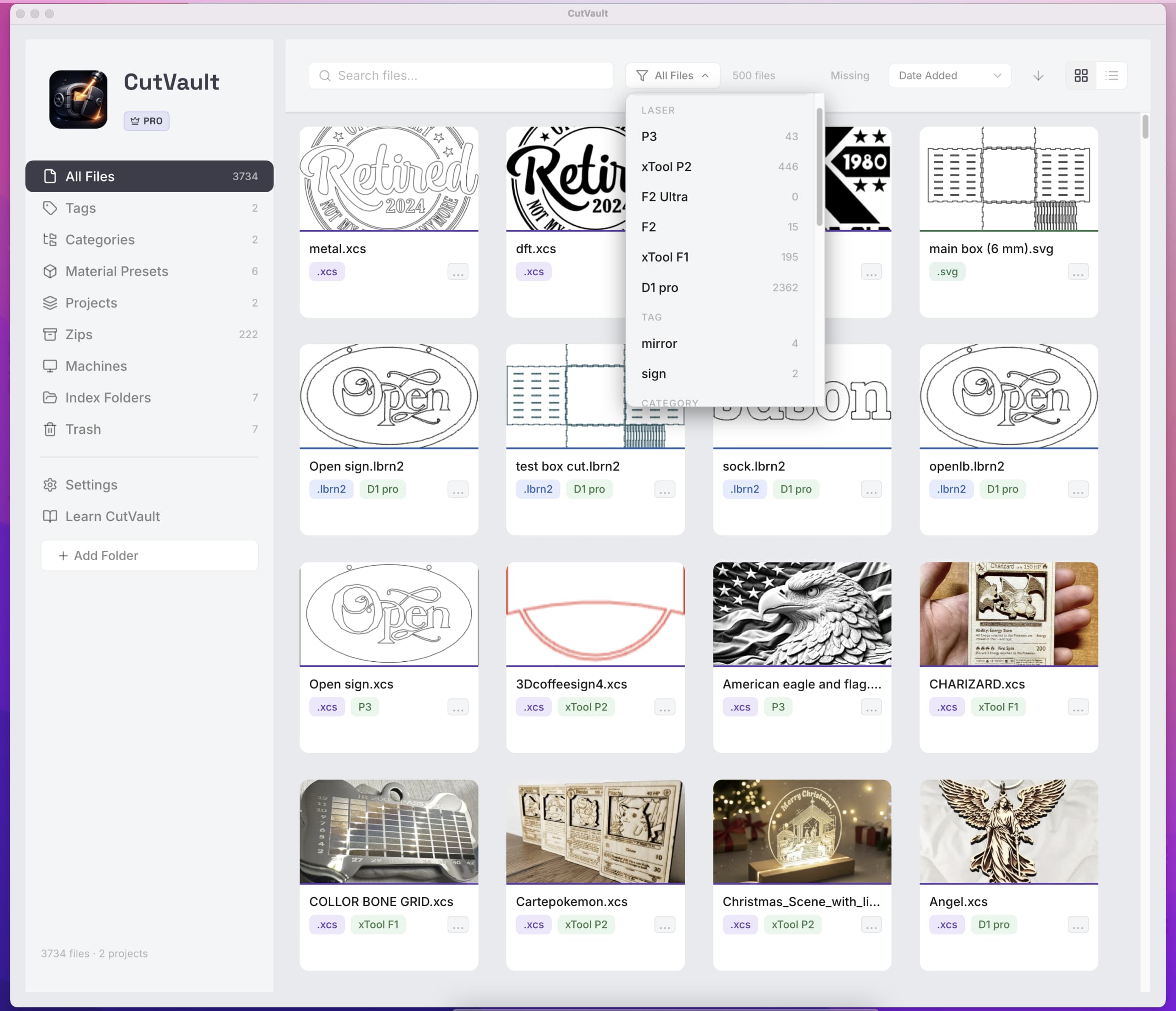
Different jobs
Cloud folders solve access—not always retrieval.
Moving the same folder tree into the cloud may make files available everywhere, but it does not automatically explain what each project contains or which production settings worked.
- Use Google Drive for storage, sync, and sharing
- Use CutVault for maker-specific discovery and context
- Use both together when that fits your workflow
Feature comparison
Choose the layer your workflow needs.
Frequently asked questions
Using CutVault with cloud storage.
01Does CutVault replace Google Drive?
Not necessarily. They solve different problems and can be used together.
02Can CutVault index a Google Drive folder?
It can work with supported locally available folders created by desktop sync tools. Availability depends on how the folder is synchronized and available on the computer.
Back to making.
Add maker context to the files you store.
Find and reuse production projects without asking a storage service to do a maker library's job.
Start Your Free 7-Day TrialStart here
Start your free 7-day Pro trial
Full access to CutVault Pro for seven days. No credit card required, and your original files stay exactly where they are.
- ✓License key and download links by email
- ✓Mac and Windows
- ✓No credit card, no auto-charge