01
Use tags across categories
Connect one project to multiple searchable ideas without duplicate files.
Laser file organization
Organize the knowledge around your files without rebuilding your entire folder system.
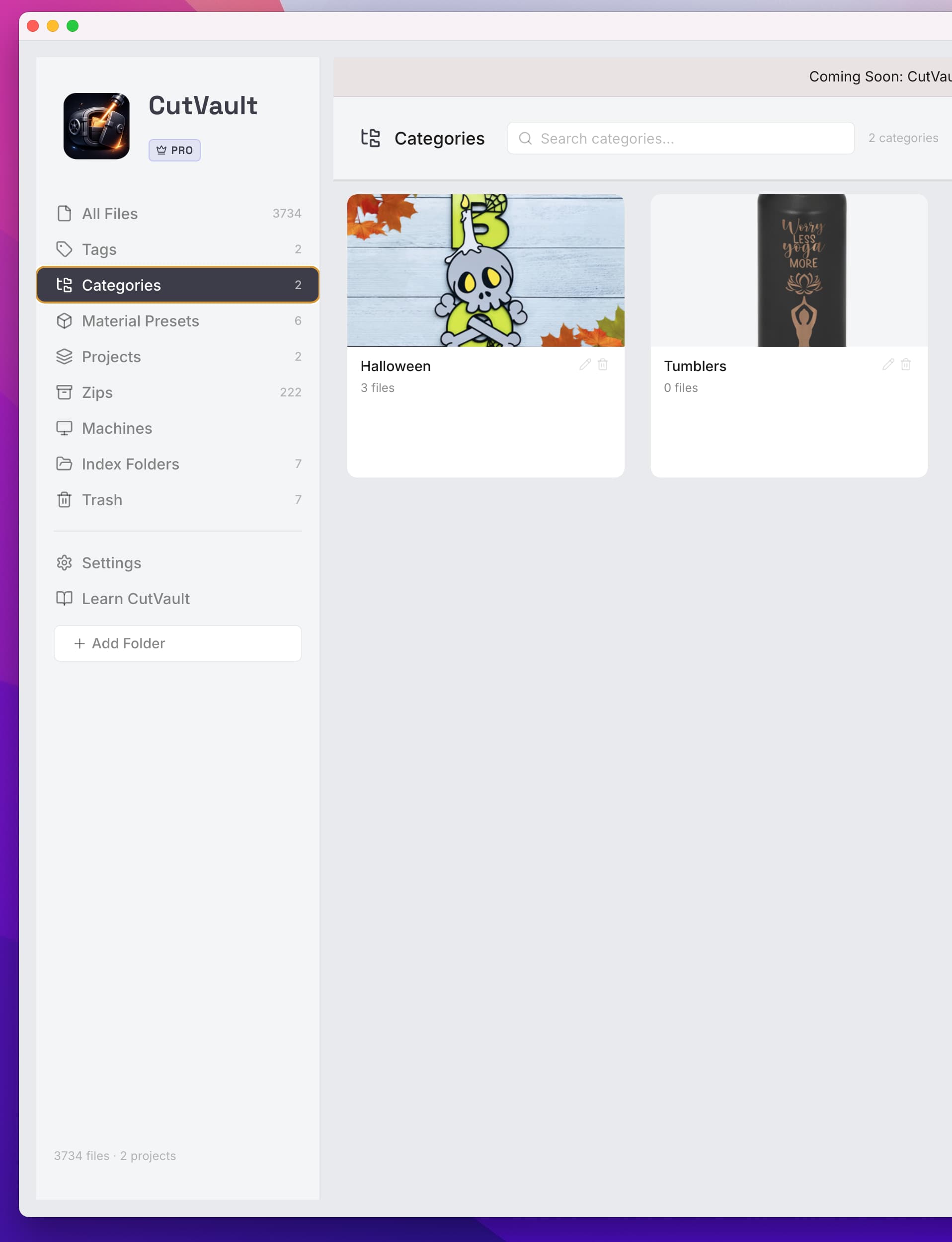
The folder problem
A folder can only place a project in one location. Real projects may belong to several customers, materials, machines, product categories, or production methods at the same time.
A retrieval layer
Connect one project to multiple searchable ideas without duplicate files.
Use names, tags, notes, file types, and other indexed information.
Keep your current storage structure while adding smarter discovery.
Capture what worked so the next production run starts with context.
How it works
Point CutVault to the folders and drives you already use.
Use tags, notes, materials, settings, and images to describe projects.
Find the right project across the full indexed library.
Frequently asked questions
No. You can begin indexing the current structure and improve organization over time.
Yes. Tags are intended to describe a project from more than one angle.
Back to making.
Add a searchable layer without rebuilding every folder.
Start Your Free 7-Day TrialStart here
Full access to CutVault Pro for seven days. No credit card required, and your original files stay exactly where they are.