Your engraving PNGs,in one place,apart from the photos.
PNG images from the folders you choose get their own home in CutVault, separate from your design files and from your personal photos. Preview them, search and tag them, see each one’s size and DPI, and open one in LightBurn, xTool Studio or another installed app. Preparing a PNG for engraving is on the PNG Artwork page.
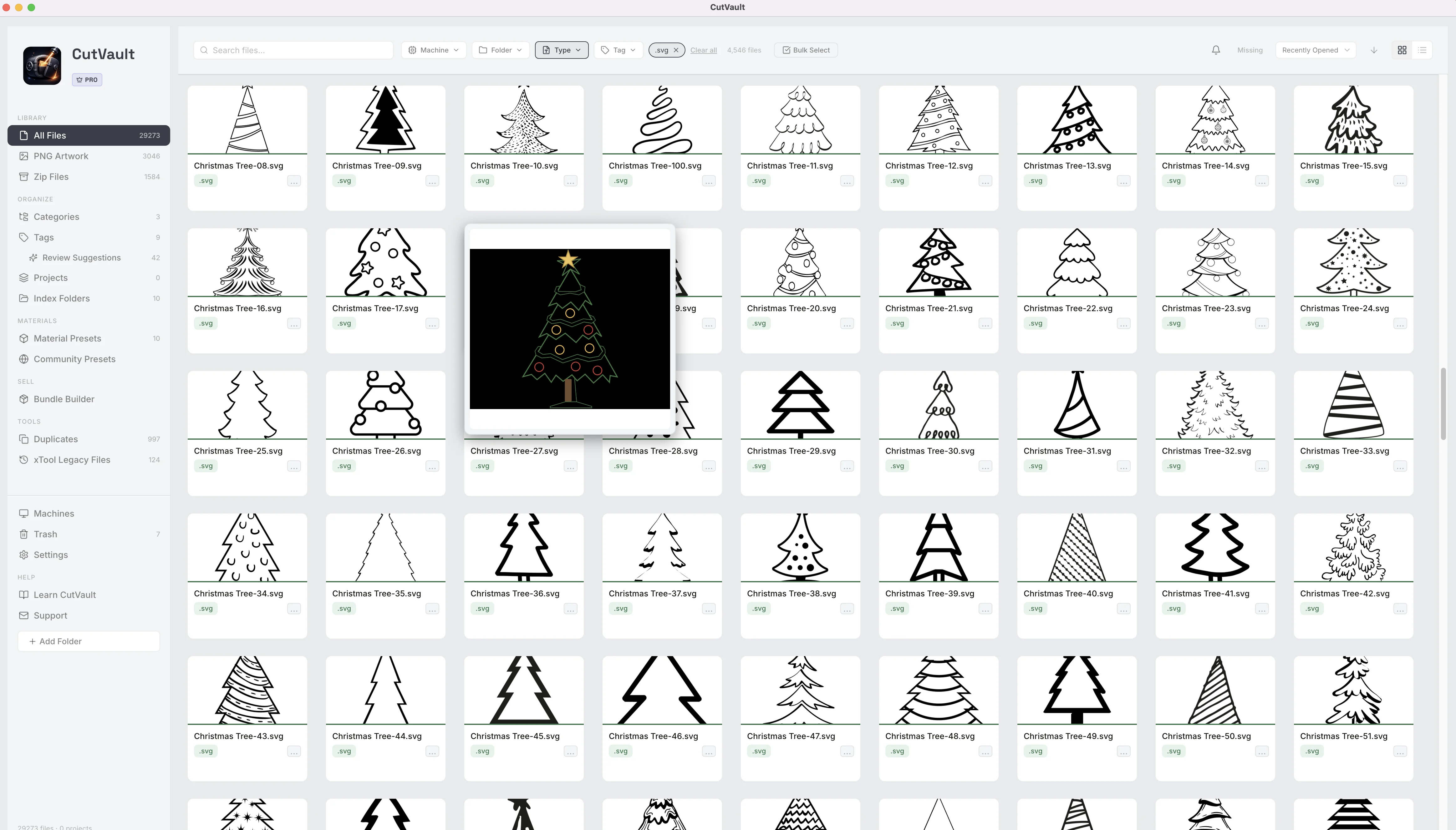
From a Downloads folder full of PNGs to a library of them.
Portraits, logos and purchased artwork land next to holiday photos and screenshots, and the one you need is three folders deep.
PNGs in folders
With CutVault Pro
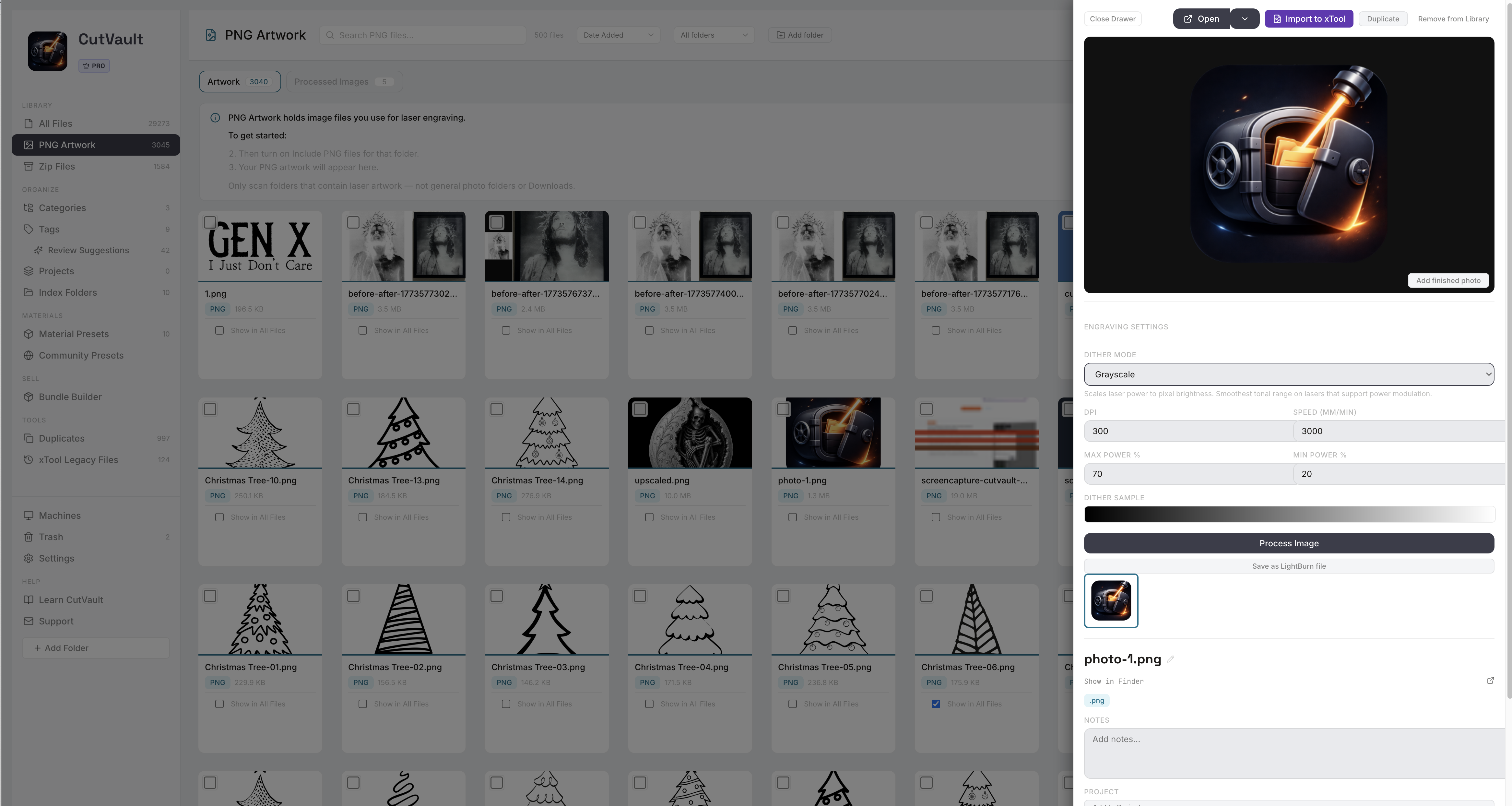
A home for PNGs that is only PNGs.
PNG Artwork lists every PNG in the folders you pick, with its own search, sort and folder filter. Choose which of them also appear in All Files beside your designs, so a customer logo can sit with the job while the rest stay out of the way.
StandoutPersonal photos stay outAdd the artwork folders, not your photo library. CutVault shows only what you point it at.
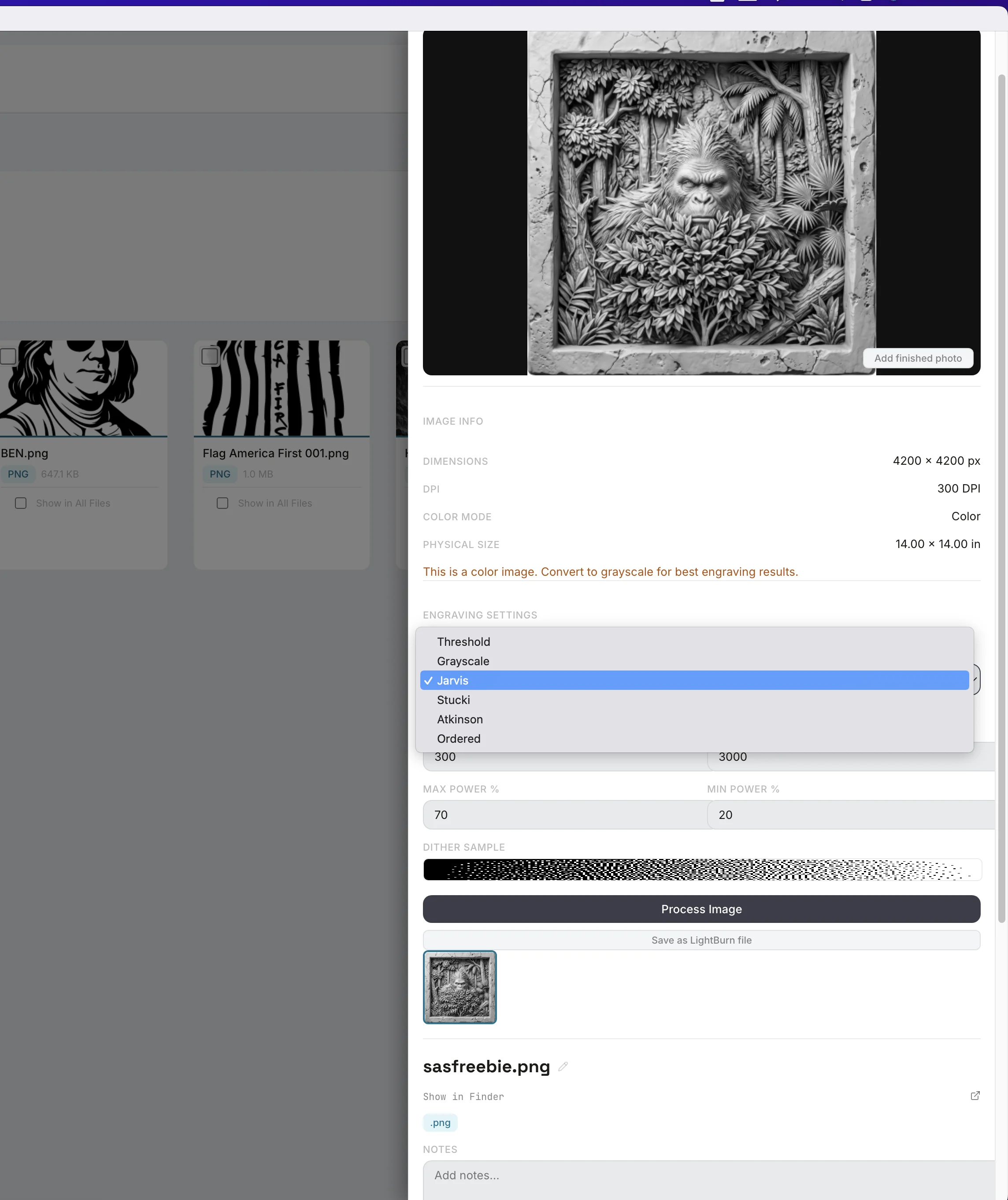
Size, DPI and color mode, on every image.
Each PNG shows its pixel size, DPI, color mode and physical size, so you know whether a file is big enough for the piece before you open it. A warning appears when an image is in color, since engraving works from brightness.
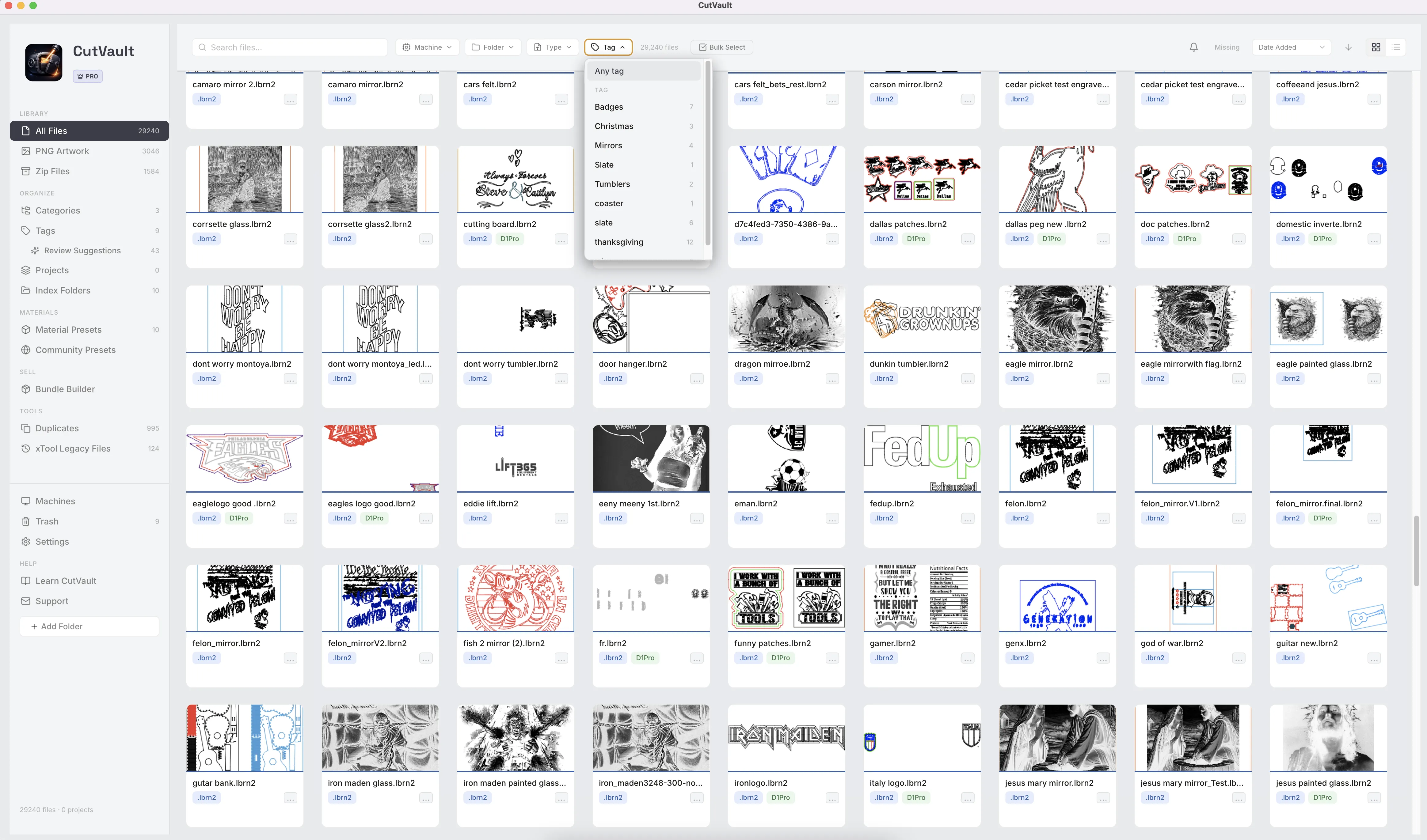
Find the PNG by what it is for.
Tag PNGs with the customer, the product or the occasion, put them in categories and projects, and search by name or note. The whole library, across every folder and drive, answers one search.
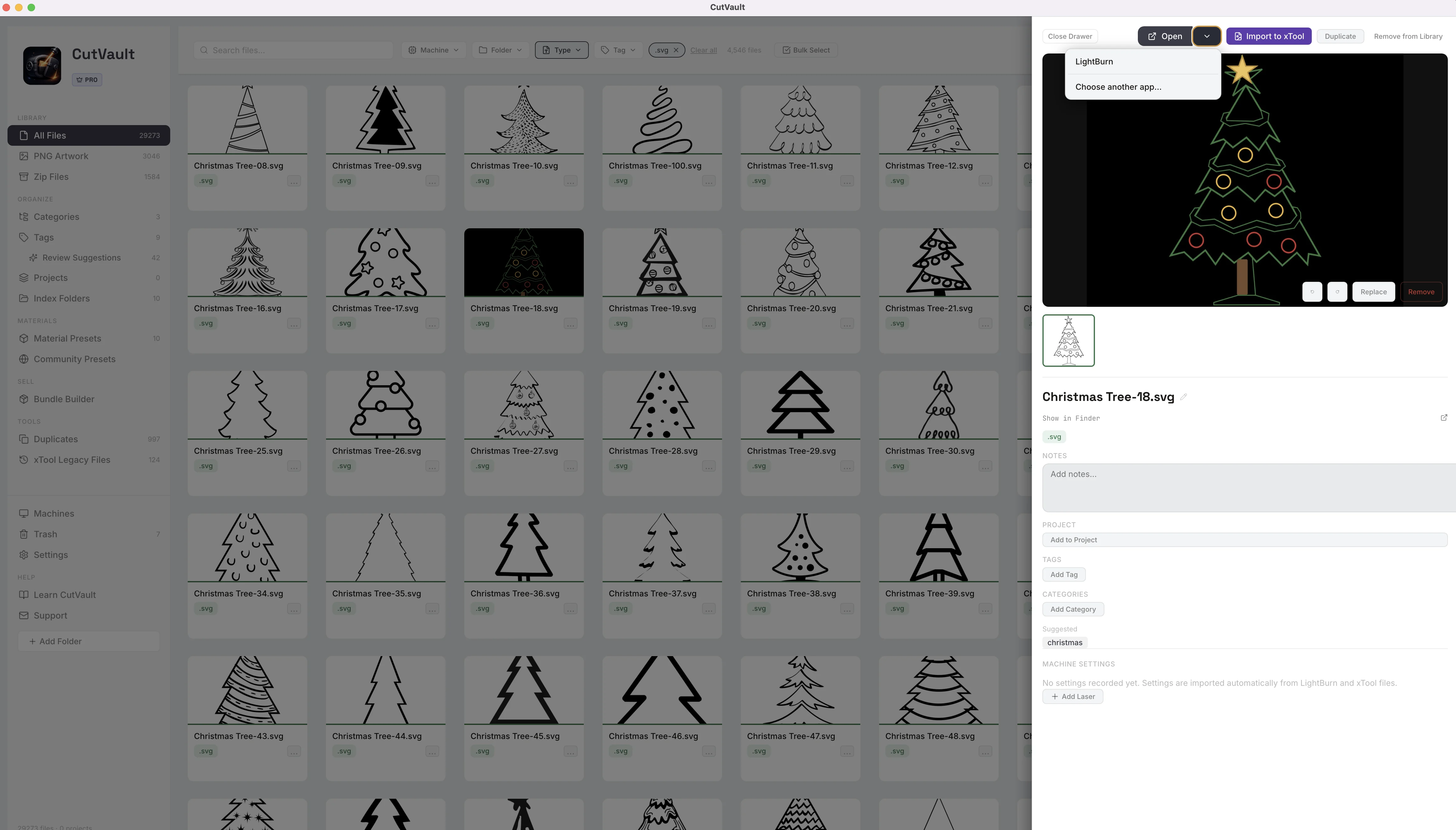
Open it in the app you use.
Open a PNG in LightBurn, xTool Studio or another installed application that supports PNG files, and choose which app opens PNGs by default. Import to xTool opens the image in xTool Studio with your selected machine; the engraving settings are then set in xTool Studio.
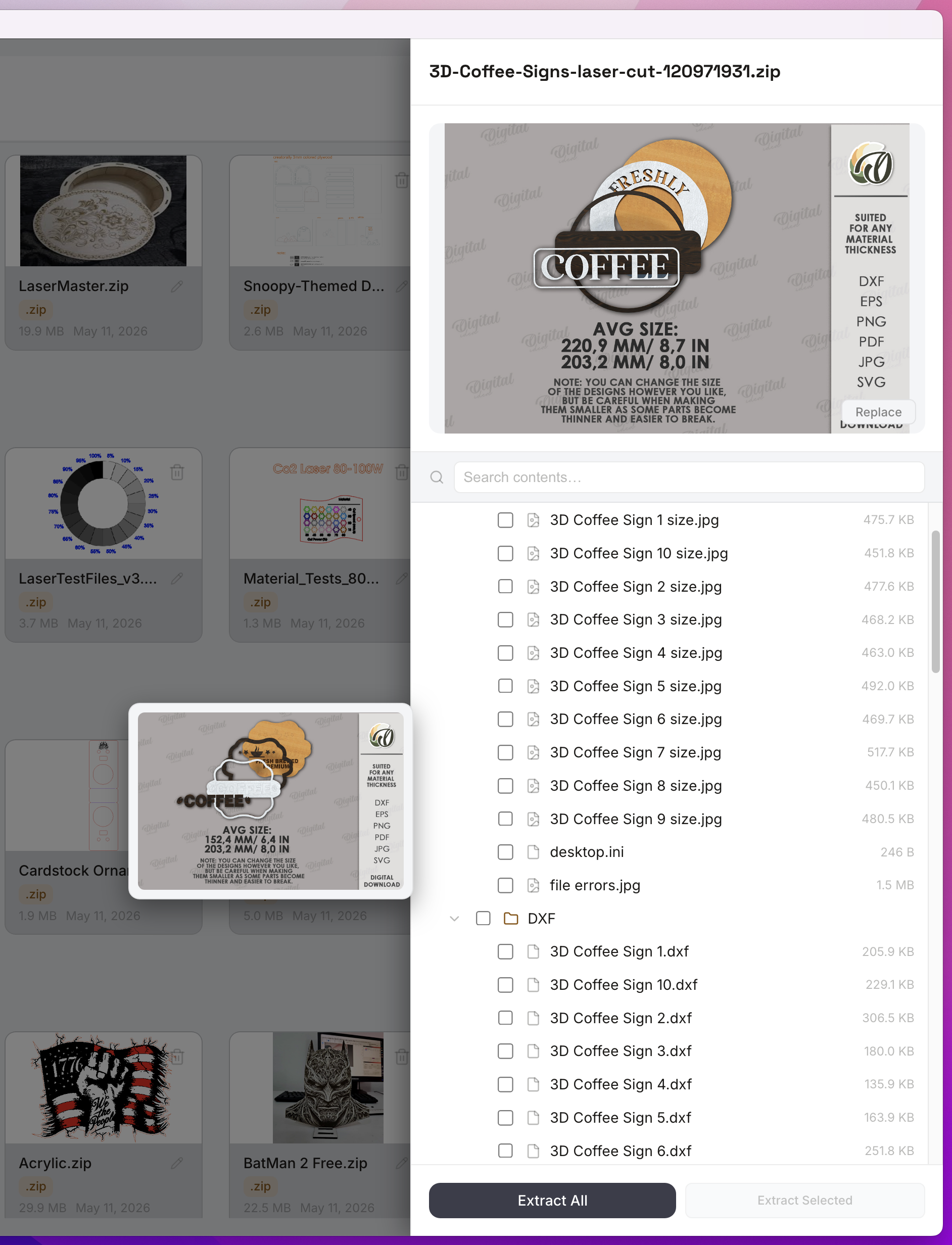
PNGs inside bundles, without unzipping.
Purchased design bundles usually arrive as a ZIP with PNG, SVG and other formats inside. Open the ZIP in Zip Files, preview the PNGs, and extract only the ones you want. Bundle Builder works the other way: pick designs and tick PNG as a format to include in a ZIP you sell.
Works with these features.
Go deeper into the CutVault tools that work with your PNG files.
PNG Artwork
Dither, preview and keep engraving settings with each image.
Open PNG Artwork →Open With
Choose which app opens each file type.
Open Open With →Tags
Your own words, found in any folder.
Open Tags →Zip Files
Look inside a bundle without unzipping it.
Open Zip Files →SVG Files
Vector artwork in the same library, with settings and cut files.
Open SVG Files →Back to overview
See how PNG files fit into the rest of CutVault Pro.
Homepage →Questions about PNG files.
One time · No subscription
- 7-day free trialNo credit card
- Mac + WindowsUp to 3 computers
- UpdatesFree updates included
01How is this different from the PNG Artwork page?
This page is about finding, organizing, previewing and opening PNG files. PNG Artwork is the workspace for preparing one for engraving: dither mode, DPI, speed and power, kept with the image. Both are part of CutVault Pro.
02Will CutVault show my personal photos?
Only if you add that folder. PNG Artwork lists the folders you choose, so artwork folders go in and the photo library stays out.
03Does a PNG show cut settings?
Cut settings appear for supported LightBurn and xTool projects. A PNG shows its pixel size, DPI, color mode and physical size, and any engraving settings you save on it in PNG Artwork.
04Which apps can open a PNG from CutVault?
LightBurn, xTool Studio or any other installed application that supports PNG. You choose the default app for PNGs, or a different app for a single file.
05Do my PNG files get moved?
No. They stay in the folders they are in, on your computer, an external drive or a synced cloud folder, and are never renamed or uploaded.
Every PNG you engrave, in one place.
Try CutVault Pro free for 7 days with the artwork folders you already have.
One-time purchase
CutVault Pro is $169 once. No subscription. Use it on up to 3 computers.
- 7-day free trial · No credit card