
See what the design became, not just what the file looks like.
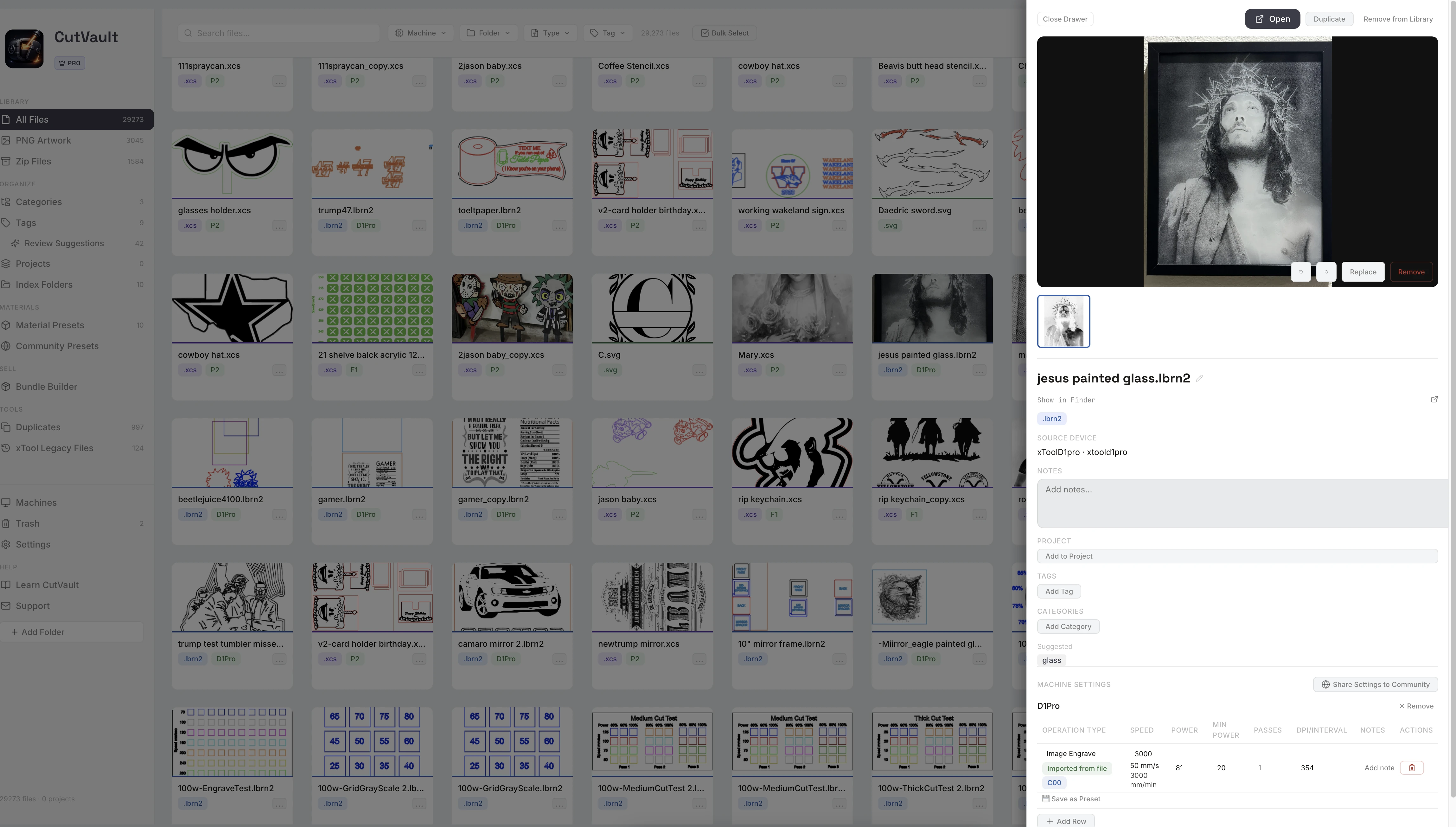
Add a photo of the finished piece to any design. The photo shows on the design’s card, so your library shows the work you actually made.
From photos lost on a phone to photos on the design.
The photo of the finished piece usually lives on a phone or in a downloads folder, far from the file that made it.
Without CutVault
With CutVault Pro
Add a photo of the finished piece to any design.
Drop a photo onto a design’s details or choose one from your computer. Rotate it, replace it with a better shot, or remove it.
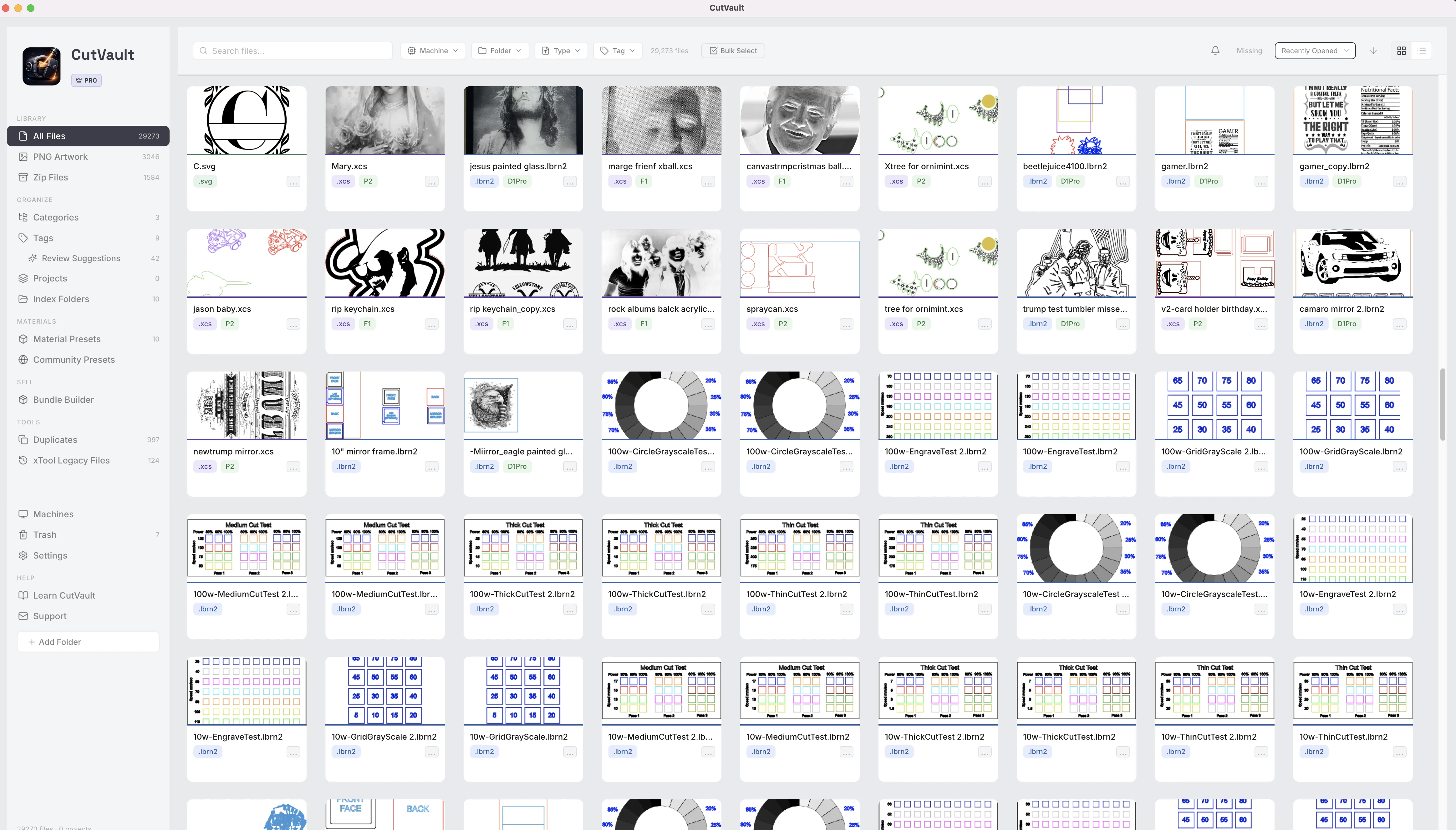
Recognize designs by what you made.
Once a design has a finished photo, the photo shows on its card in the library. Scroll your library and spot past jobs by the real piece instead of the line art.
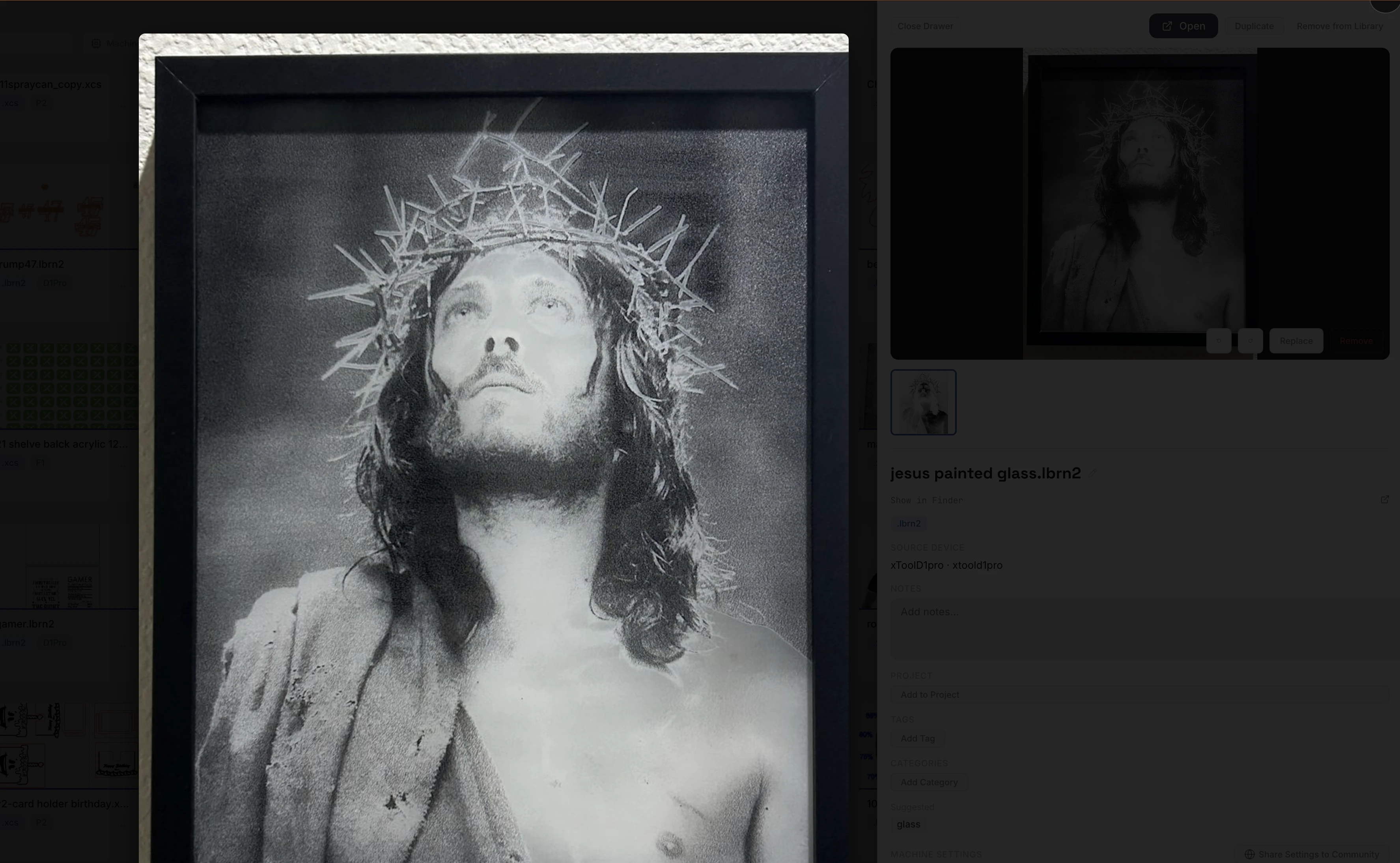
The design and the finished piece, side by side.
Open a design and see its thumbnail and the finished photo together. Open the photo full screen to check the detail of a past job before you run it again.
A whole folder of photos, paired with your approval.
Bulk Match Photos takes a folder of finished photos and proposes which design each one belongs to. Approve the pairings you agree with and skip the rest.
StandoutYou approve every pairingNo photo is attached to a design until you approve it. Work through a whole folder of photos in one sitting.
One photo, used across CutVault
- coaster-set.jpgFinished photo on one design
- The design’s cardLibrary
- Before / After imageProjects
- Listing photosBundle Builder
- Photo backupSave photos to a folder
One photo, added once, shows up in each of these.
One photo, used wherever the design goes.
A finished photo does more than decorate the card. Pair it with its design for a Before / After image in Projects, and it fills in as a listing photo when the design goes into Bundle Builder.
More ways to use your finished photos.
Smaller details that keep your photos with your work.
Phone photos welcome
JPG, PNG, WEBP and HEIC photos all work, including photos straight from an iPhone.
Fix a sideways shot
Rotate a photo in place instead of editing it somewhere else.
Kept on newer xTool files
When a newer xTool Studio version of a design replaces the old one, its finished photo stays with it.
At the top of the details
The finished photo sits at the top of a design’s details, above its notes, tags and project.
Captions in projects
Add a caption to the finished photos you keep in a project.
Result photos on presets
Material Presets can carry a photo of the result too, next to the settings that made it.
Works with these features.
Go deeper into the CutVault tools that use your finished photos.
Projects
Keep the designs, finished photos and assets for one job together.
Open Projects →Bundle Builder
Pick designs and formats and get one ZIP ready for your shop listing.
Open Bundle Builder →Library & Search
Every supported design as a thumbnail, with a larger preview on hover.
Open Library & Search →Material Presets
Save proven settings by material and machine, with a photo of the result.
Open Material Presets →Categories
Put one design in several categories without moving the file.
Open Categories →Back to overview
See how Finished Photos fits into the rest of CutVault Pro.
Homepage →Questions about Finished Photos.
One time · No subscription
- 7-day free trialNo credit card
- Mac + WindowsUp to 3 computers
- UpdatesFree updates included
01Does adding a finished photo change my design file?
No. The photo is kept with the design in CutVault. The design file on your drive is not changed.
02Which photo formats work?
JPG, PNG, WEBP and HEIC.
03Can I change or remove a finished photo later?
Yes. Rotate it, replace it with a better shot, or remove it at any time.
04Does Bulk Match Photos attach photos on its own?
No. It proposes which design each photo belongs to, and nothing is attached until you approve it.
05Where else do finished photos show up?
On the design’s card in the library, in Projects for Before / After images, and as listing photos in Bundle Builder.
06Is Finished Photos sold separately?
No. Finished Photos is included with CutVault Pro. The $169 one-time price is for the complete CutVault desktop app, not for Finished Photos on its own.
See your library as the work you made.
Try CutVault Pro free for 7 days, add photos of finished pieces to your designs, and let Bulk Match Photos propose the rest for your approval.
One-time purchase
CutVault Pro is $169 once. No subscription. Use it on up to 3 computers.
- 7-day free trial · No credit card