01
Recognize projects visually
Scan thumbnails instead of relying only on filenames.
CutVault file previews
Turn folders full of mystery files into a visual, searchable maker library.
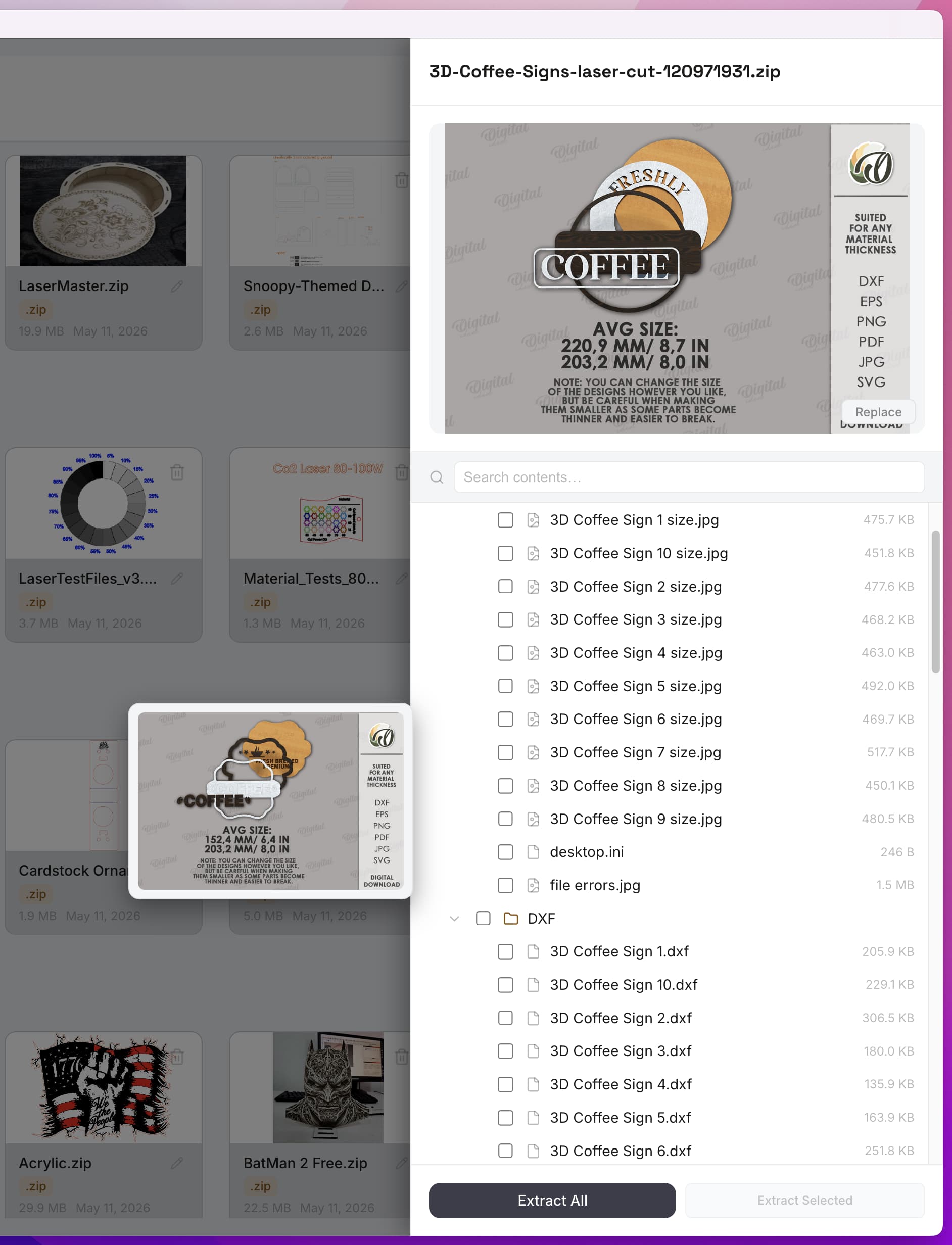
Why previews matter
When filenames are vague or duplicated, opening one file after another becomes the only way to locate the correct design. Visual previews remove that friction.
Preview workflow
Scan thumbnails instead of relying only on filenames.
See available file details and project information in the same place.
Surface supported files stored inside ZIP archives.
Launch the selected project in supported design or production software.
How it works
CutVault reads supported files from locations you choose.
The library creates visual references and available metadata.
Select the right project and continue in your existing software.
Frequently asked questions
No. Preview depth depends on what each format contains and what the current CutVault version supports.
No. Preview generation is designed to leave the original source file untouched.
Back to making.
Build a visual reference library from the maker files you already have.
Start Your Free 7-Day TrialStart here
Full access to CutVault Pro for seven days. No credit card required, and your original files stay exactly where they are.